
The Video Production Process: What to Expect
Creating a professional video involves much more than showing up with a camera and pressing record.
Every successful video starts with a clear goal, a strong plan, and a production process designed to keep the project organized from beginning to end. While each project is different, most professional video productions move through three main stages: pre-production, production, and post-production.
Understanding what happens during each stage can help you prepare for your project, avoid delays, and feel more confident throughout the process.
Quick Answer
The video production process typically includes:
Strategy and creative planning
Script development and scheduling
Filming
Editing and post-production
Review, revisions, and final delivery
The amount of time required depends on the size and complexity of the project, but clear communication and strong planning help keep everything moving smoothly.
Stage One: Pre-Production
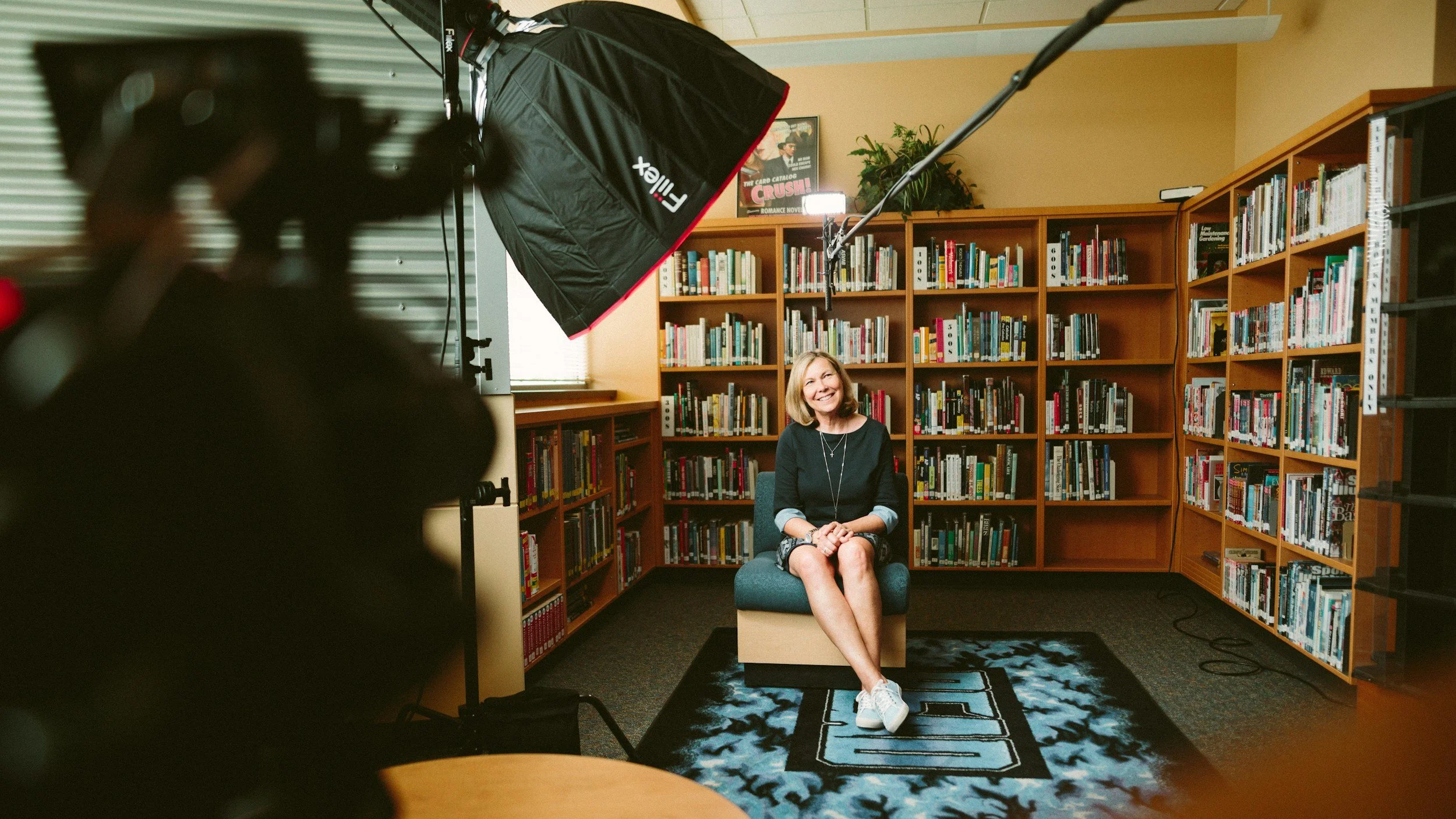
Pre-production is the planning stage of the project.
This is where the production team works with you to understand your goals, audience, message, and vision before filming begins. The decisions made during pre-production shape the entire project.
A well-planned shoot usually saves time, reduces confusion, and leads to a stronger final video.
Defining the Goal
The first step is identifying what the video needs to accomplish.
Your production team may ask questions such as:
Who is the target audience?
What should viewers understand after watching?
What action should they take next?
Where will the video be used?
How long should the final video be?
What tone should the video have?
A homepage brand video, for example, will have a different structure than a recruitment video, commercial, customer testimonial, or social media campaign. Not sure which type fits your goals? Start with our guide to the 7 types of videos every business should have.
Developing the Concept
Once the goal is clear, the creative direction begins to take shape.
This may include:
Brainstorming ideas
Developing the visual style
Choosing interview subjects
Writing a script
Creating a shot list
Selecting locations
Planning graphics or animation
Determining music and pacing
Some projects require a detailed script and storyboard. Others may rely on interviews, natural conversations, or documentary-style footage.
The level of planning depends on the type of video being produced.
Scheduling and Logistics
Pre-production also includes the practical details required to keep the shoot organized.
These may include:
Confirming production dates
Coordinating the crew
Booking locations
Scheduling employees or talent
Preparing equipment
Gathering props or wardrobe
Securing permits
Planning travel
Creating a production schedule
Clients are often asked to review scripts, confirm participants, approve locations, and make sure everyone involved knows when and where they need to be.
Stage Two: Production
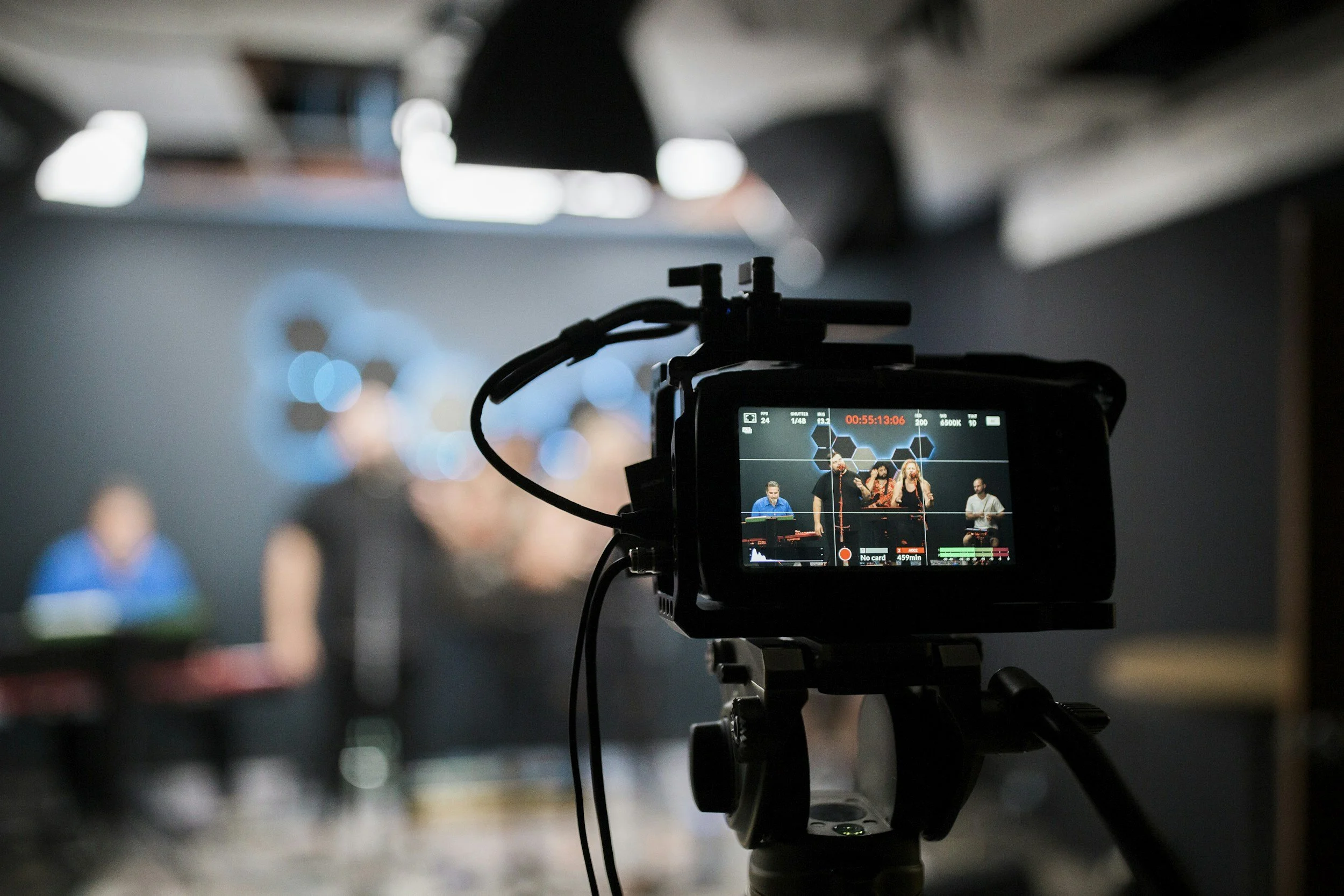
Production is the filming stage.
This is when the planning from pre-production is put into action. Depending on the scope of the project, filming may take a few hours, a full day, or several days.
Setting Up the Location
Before filming begins, the production team will prepare the space.
Setup may include:
Positioning cameras
Testing microphones
Adjusting lighting
Moving furniture
Preparing backgrounds
Blocking out scenes
Reducing background noise
Reviewing the filming schedule
Even a simple interview requires careful lighting, clean audio, and a background that supports the look and feel of the video. Some projects benefit from filming in a controlled environment like our video production studio near Orlando instead of on location.
Filming Interviews
Many corporate and brand videos include interviews with business owners, employees, customers, or community members.
You do not usually need to memorize your answers. In many cases, the interviewer will guide the conversation with questions designed to help you speak naturally.
A good production team will help you feel comfortable, explain what to expect, and allow time for multiple takes when needed.
Capturing B-Roll
B-roll is the supporting footage used alongside interviews or narration.
Examples may include:
Employees working
Customers interacting with your team
Products being used
Exterior and interior shots
Behind-the-scenes activity
Meetings and conversations
Equipment or facilities
Close-up details
B-roll gives the editor more visual options and helps tell the story without relying only on people speaking to the camera.
Recording Audio
Clear audio is one of the most important parts of professional video production.
The production team may use:
Lavalier microphones
Boom microphones
Wireless audio systems
Field recorders
Backup audio sources
A visually strong video can still feel unprofessional if the sound is distracting, unclear, or inconsistent.
Stage Three: Post-Production
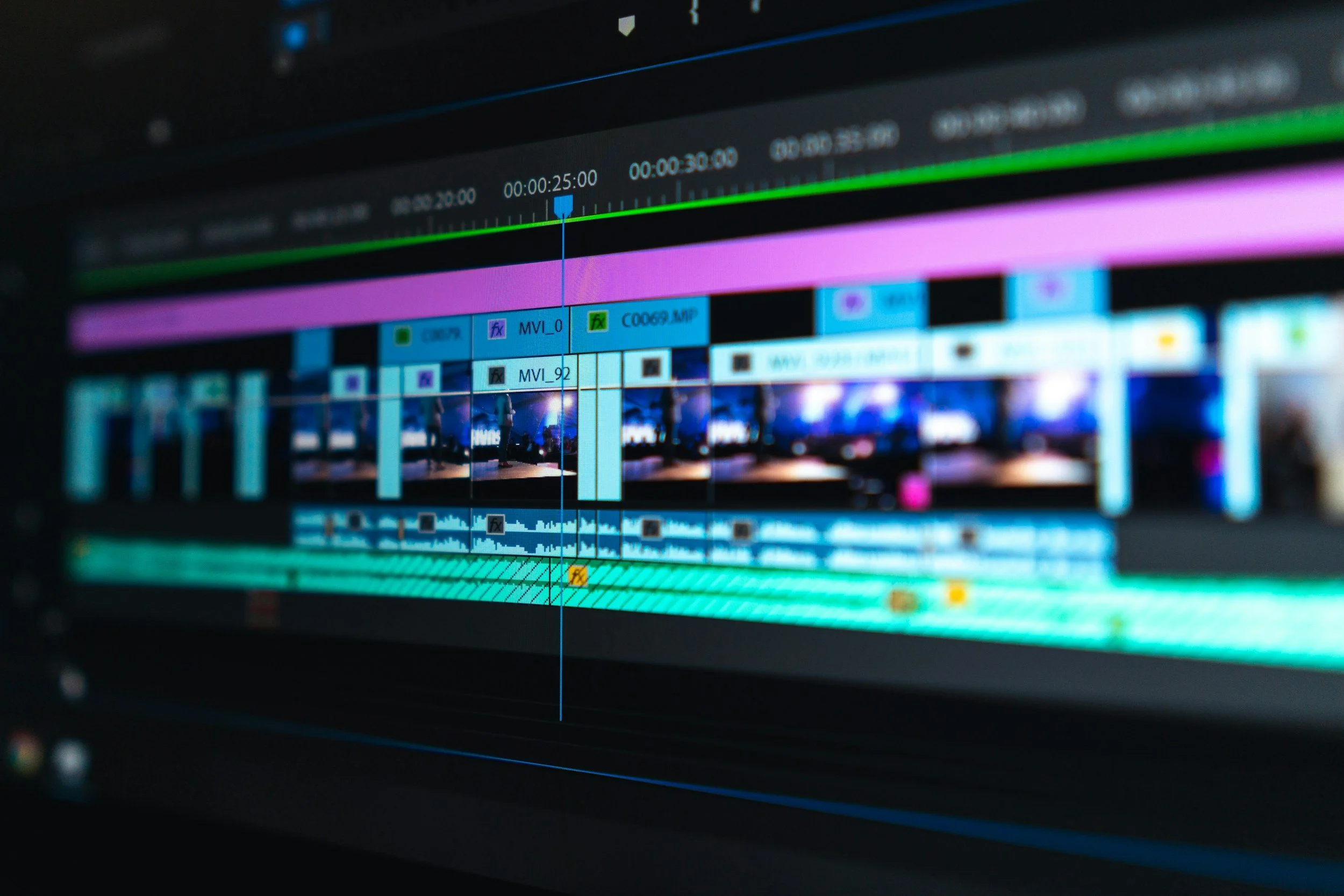
Once filming is complete, the project moves into post-production.
This is where the footage, interviews, music, graphics, and audio are shaped into the final video.
Organizing the Footage
Before editing begins, the production team reviews and organizes everything captured during the shoot.
This may involve:
Backing up footage
Sorting camera files
Reviewing interviews
Labeling audio
Selecting the strongest takes
Identifying useful B-roll
Creating transcripts
This stage is largely behind the scenes, but it is essential for an efficient editing process.
Building the First Cut
The editor begins assembling the story based on the approved concept, script, or interview content.
The first version may include:
Interview selections
Voiceover
B-roll
Music
Basic graphics
Logo placement
Temporary text
Rough pacing
This version allows the client and production team to evaluate the overall structure before the final details are added.
Adding Graphics and Finishing Details
Once the structure is approved, the editor begins refining the video.
This may include:
Color correction
Sound mixing
Motion graphics
Animated titles
Captions
Music licensing
Logo animation
Visual effects
Final transitions
The amount of post-production depends on the project. A straightforward testimonial video may require minimal graphics, while a commercial may involve advanced editing, animation, and visual effects.
Client Review and Revisions
Most professional video projects include a review period.
The client receives a draft and provides feedback on items such as:
Messaging
Pacing
Interview selections
Graphics
Text
Music
Branding
Calls to action
It is helpful to gather feedback from all decision-makers before sending revisions to the production team. Consolidated feedback keeps the editing process organized and helps avoid conflicting requests.

Stage Four: Final Delivery
After revisions are complete and the video is approved, the final files are prepared for delivery.
The production company may provide different versions depending on where the video will be used.
These may include:
Website videos
YouTube videos
Social media clips
Vertical videos
Television commercials
Presentation files
Captioned versions
Short promotional edits
It is important to discuss the platforms you plan to use before production begins so the team can frame shots and capture content with those formats in mind.
How Long Does the Video Production Process Take?
A typical video project may take anywhere from a few weeks to several months.
The timeline depends on factors such as:
Project complexity
Number of filming days
Script approval
Location availability
Number of interviews
Amount of animation
Feedback turnaround
Number of final deliverables
A simple interview or event recap may move quickly. A larger commercial campaign with multiple locations, actors, and deliverables will require more time.
Providing timely approvals and clear feedback can help keep the project on schedule. For a sense of what different project types cost, visit our video production pricing page.
How Can You Prepare for a Video Project?
Clients play an important role in keeping production organized.
Before filming, it helps to:
Confirm your goals
Identify the main decision-maker
Approve the script early
Prepare the location
Inform employees about the shoot
Coordinate wardrobe
Gather brand assets
Share examples of videos you like
Confirm where the final video will be used
You do not need to understand every technical detail. Your production team should guide you through each step and make the process clear.
Why the Production Process Matters
A structured process does more than keep the project organized.
It helps ensure that the final video:
Supports your business goals
Communicates the right message
Reflects your brand
Connects with the intended audience
Includes the footage needed for every platform
Stays within the approved scope
The strongest videos are usually the result of thoughtful planning, clear communication, and collaboration between the client and production team.
Frequently Asked Questions
-
The three main stages are pre-production, production, and post-production. Pre-production covers planning, production includes filming, and post-production includes editing and final delivery.
-
No. Many video production companies help with messaging, creative development, interview questions, and scriptwriting.
-
Crew size depends on the project. A simple interview may require a small team, while a commercial may involve producers, camera operators, lighting technicians, audio professionals, stylists, and other specialists.
-
The number of revisions varies by production company and project. The proposal or agreement should explain how many review rounds are included.
-
Yes. With the right planning, one production day can provide footage for a main video, social media clips, testimonials, website content, and other marketing materials.
Ready to Start Planning Your Video?
Keylight Film Studios works with businesses and organizations to create professional video content for websites, marketing campaigns, commercials, social media, recruiting, and more.
Contact the Keylight team to talk through your goals and begin planning your next video project.